
Sep 17, 2026
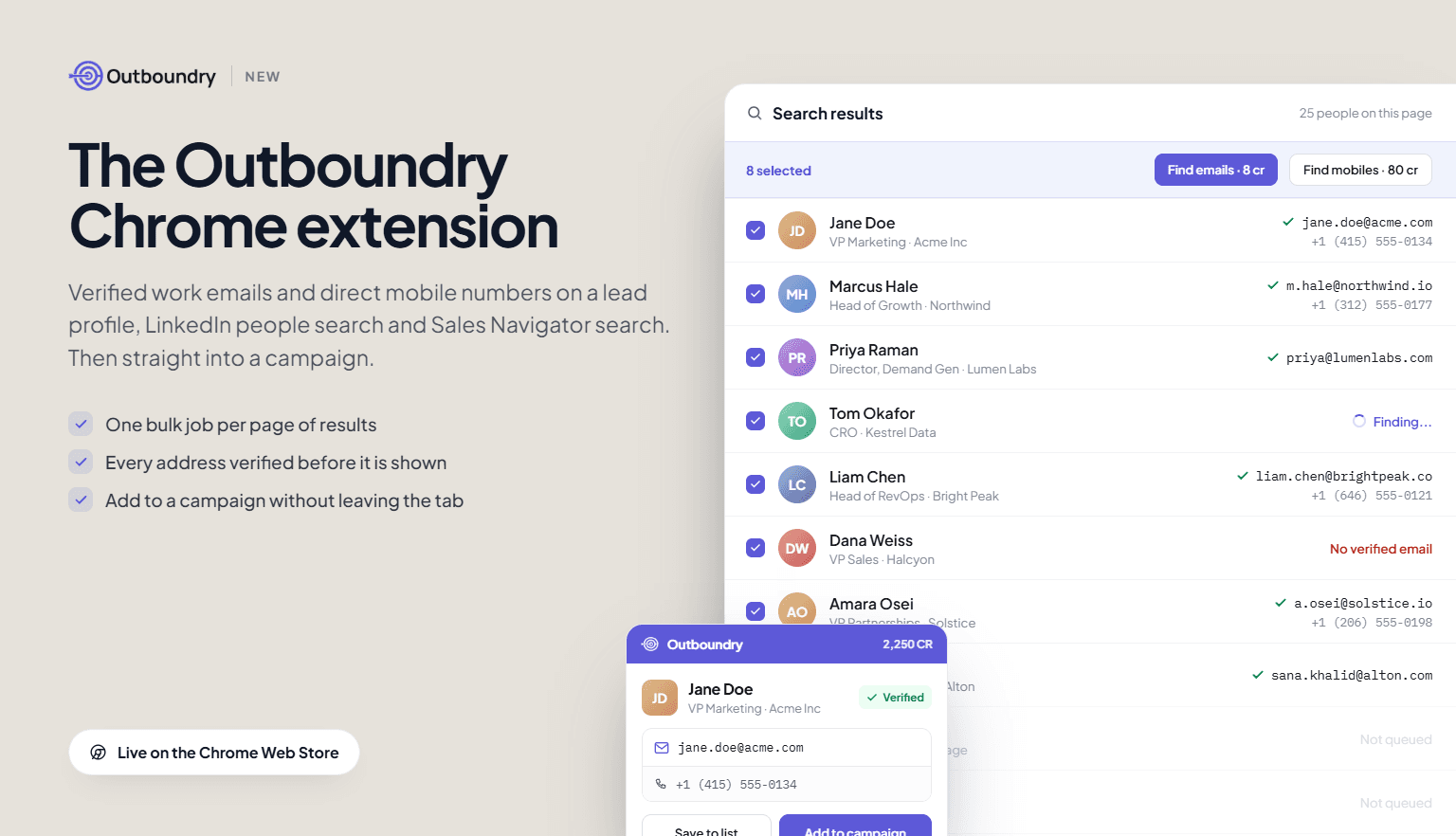
You can now use Outboundry without leaving the tab you prospect in. Install the extension, and a panel opens next to any lead profile or page of search results, with verified work emails and direct mobile numbers ready to use.
Where it works
Lead profile: Open the panel on a person and reveal a verified work email, a direct mobile number, or both.
LinkedIn people search: Select rows and run one bulk job across the whole page instead of opening profiles one at a time.
Sales Navigator lead and account search: Same panel, same bulk job, same credit cost.
What you can do from the panel
Reveal verified emails and mobile numbers, individually or in bulk.
Add leads to an Outboundry campaign with tags applied, or save them to a list for later.
Watch a bulk job run in the background while you keep browsing.
See your live credit balance: 1 credit per email, 10 credits per mobile number.
How the data works
Contact details come from Outboundry's own contact database and verification pipeline, not from the page you are on. Every address is checked before it is shown, and the extension never messages, connects or posts on your behalf.
Getting started
Install from the Chrome Web Store, log in with your Outboundry account, and open the panel on any profile. Trial credits are included, and existing plan credits work in the extension with no separate billing.